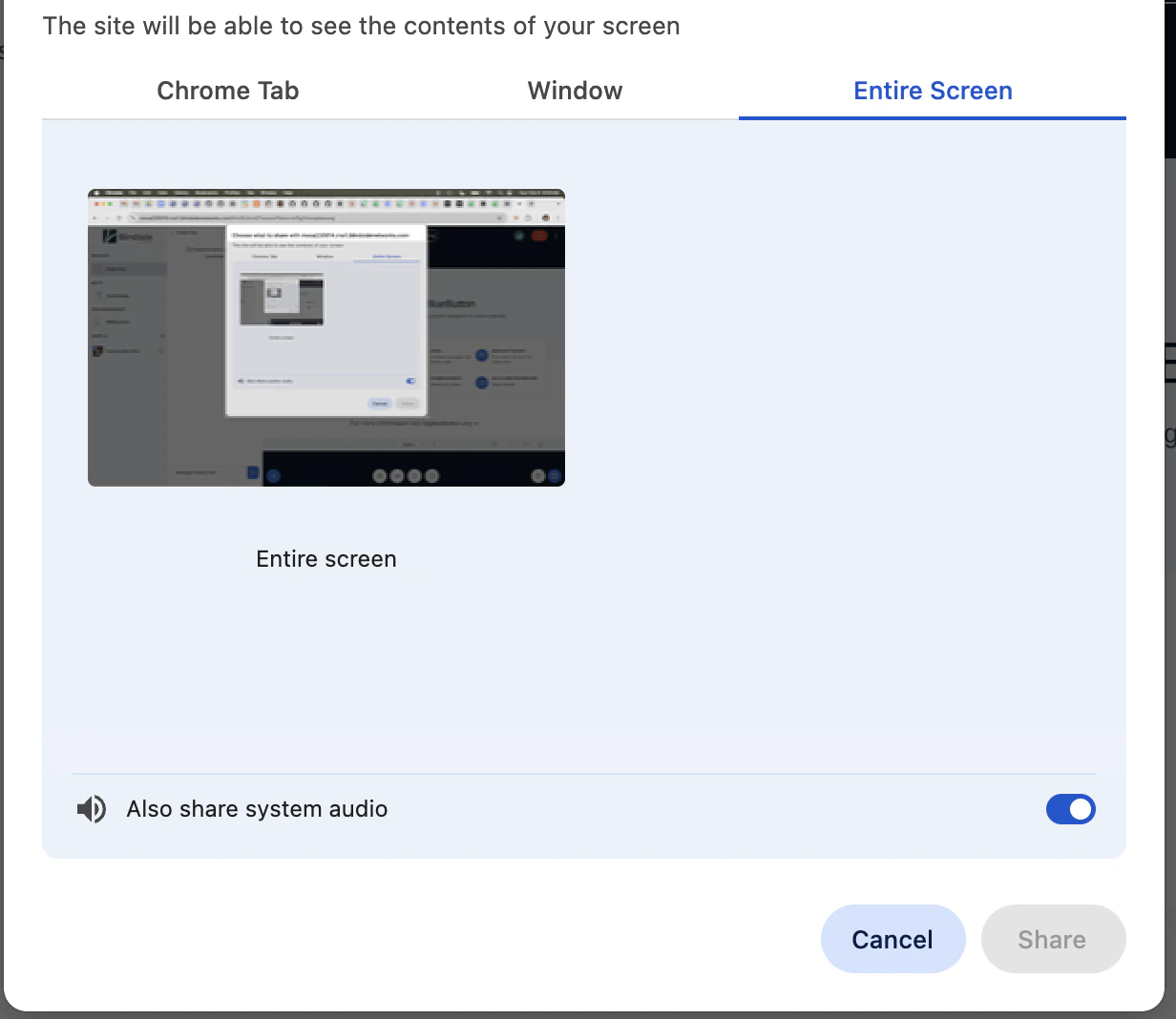
The best way to share a YouTube, Vimeo, or Canvas Studio video is through the built-in Share external video option. This instructs each user’s browser to load the video directly. However, if you want to use Screen sharing to share a video (start screen sharing and then play the video on your screen outside of BigBlueButton), we recommend using the Chrome browser. When using Chrome, enable Also share system audio so Chrome shares audio with users. Once enabled, audio from the screen plays for everyone in the session.Documentation Index
Fetch the complete documentation index at: https://bigbluebutton.com/docs/llms.txt
Use this file to discover all available pages before exploring further.