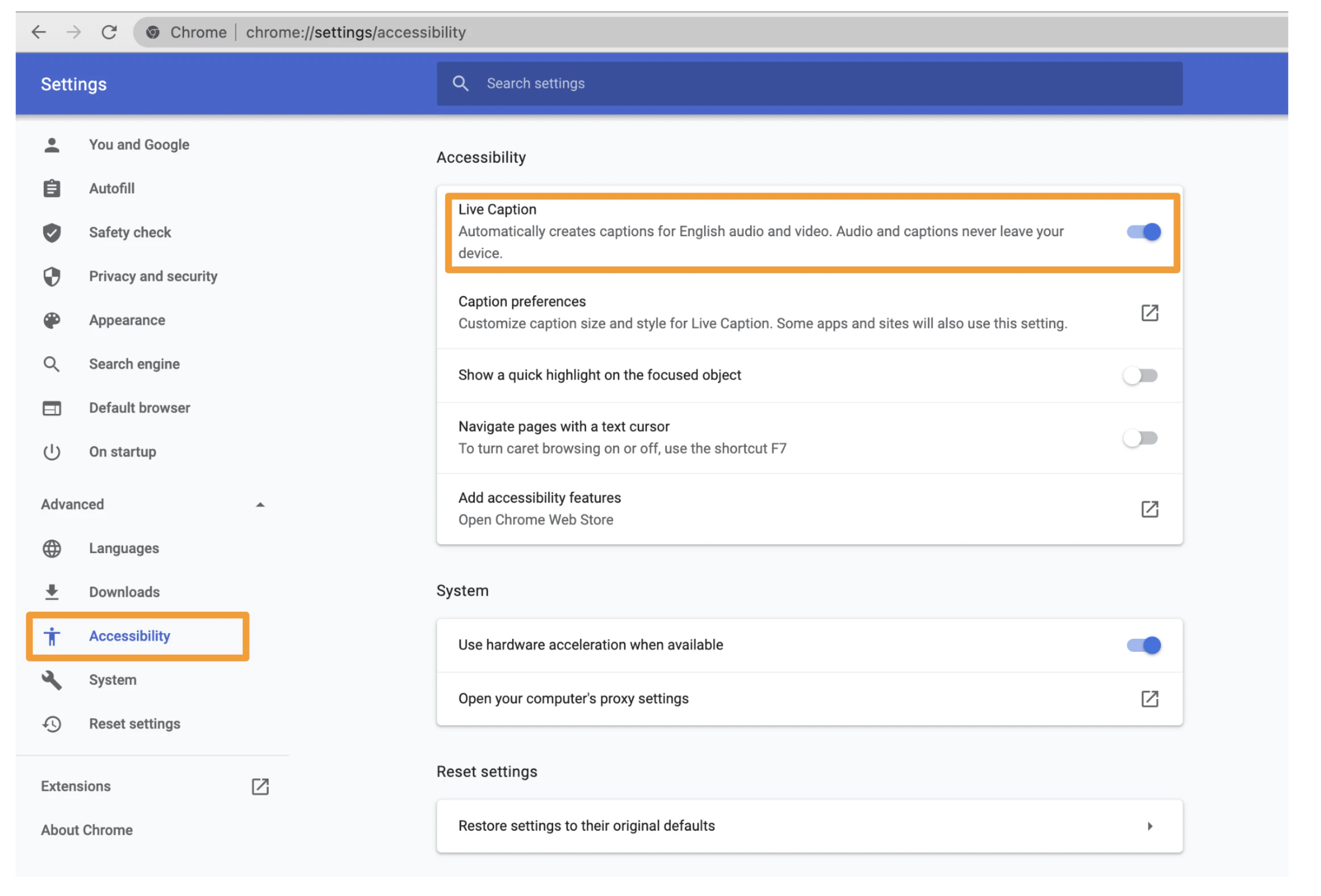
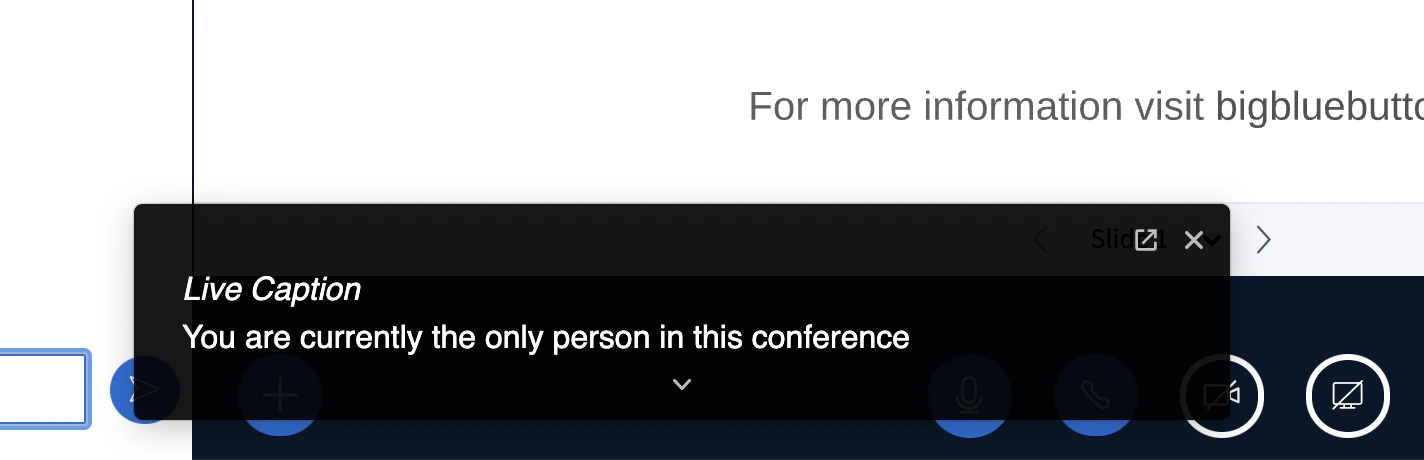
You can enable live captioning by opening Chrome settings, Select Advanced, Select Accessibility, and enabling Live Captions.Documentation Index
Fetch the complete documentation index at: https://bigbluebutton.com/docs/llms.txt
Use this file to discover all available pages before exploring further.