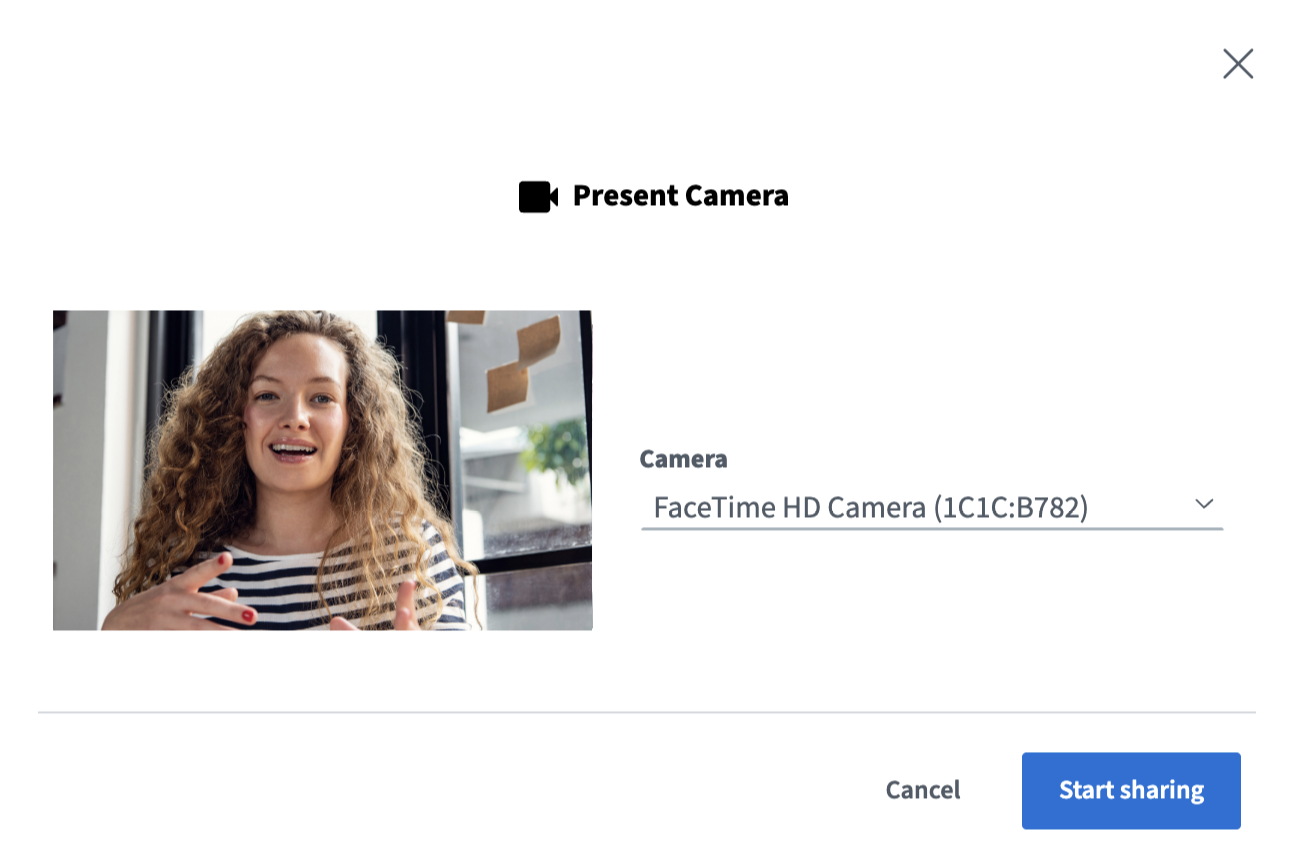
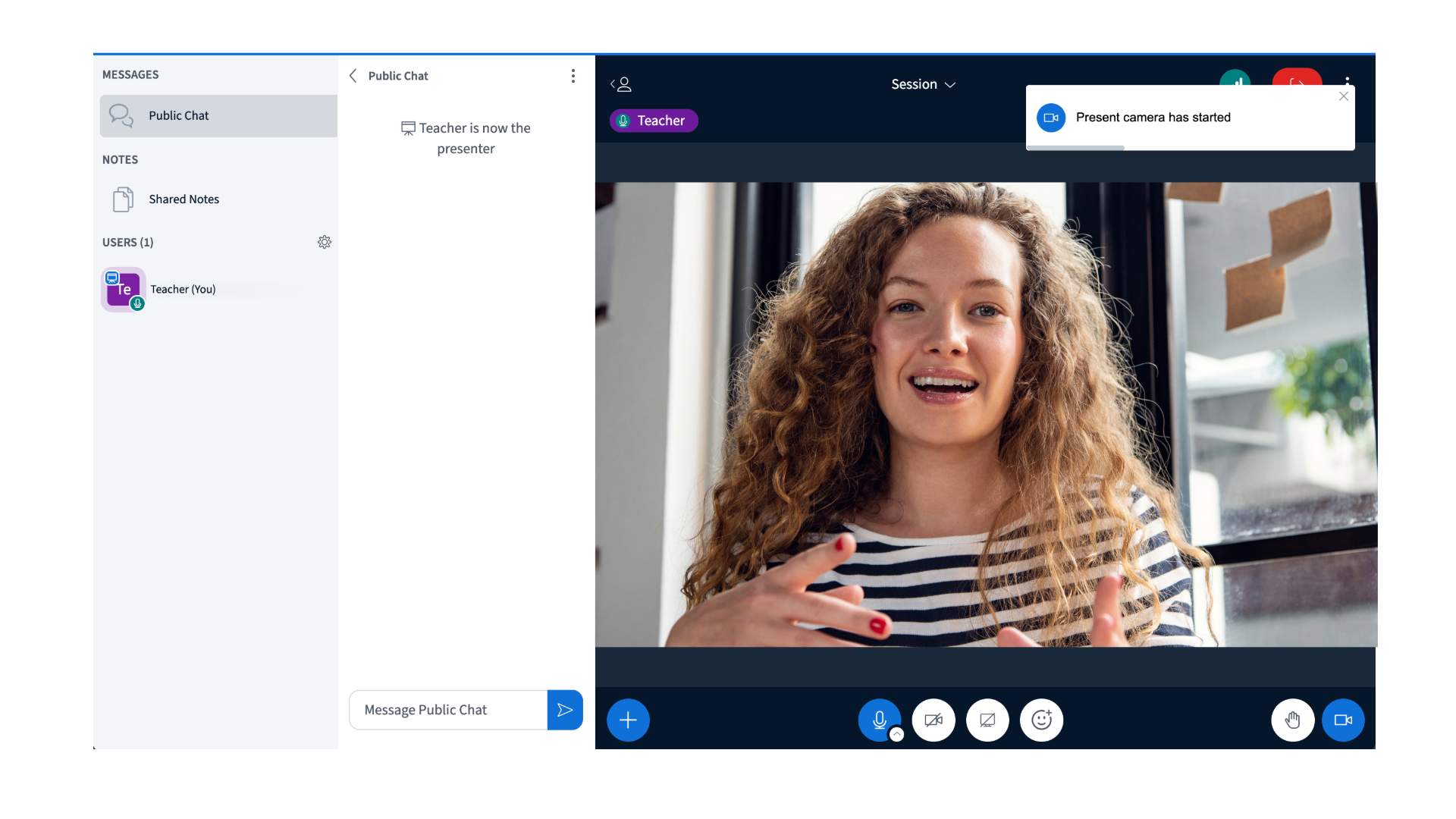
In hybrid classes, there is often a need to display a physical whiteboard or focus on a particular student, or area of the classroom. You can now do this via a webcam shared to the main content area. * Note the camera being shared can not be in use (as your main webcam) at the time of selectionDocumentation Index
Fetch the complete documentation index at: https://bigbluebutton.com/docs/llms.txt
Use this file to discover all available pages before exploring further.
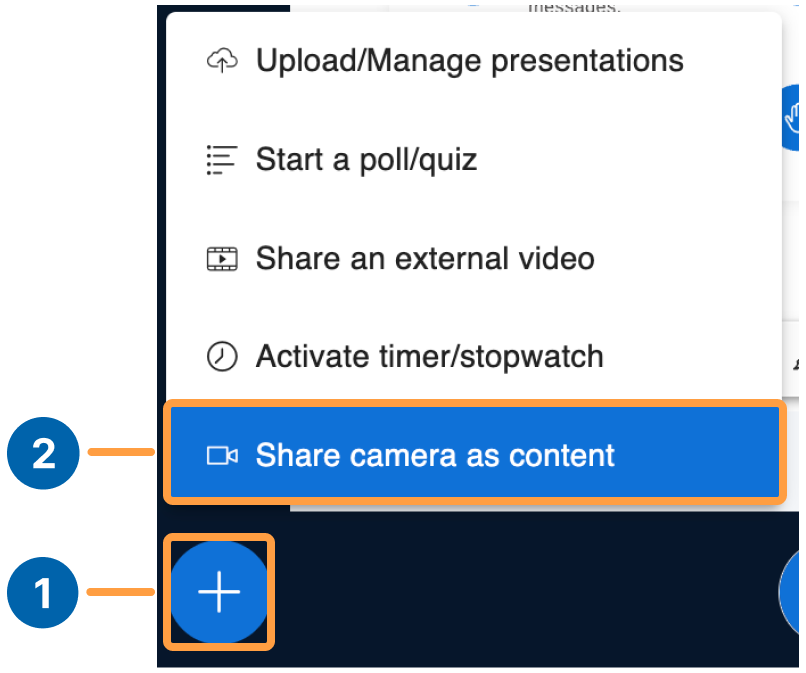
To share the camera as content
- Select the action button
- Select Share camera as content
To stop sharing the camera as content
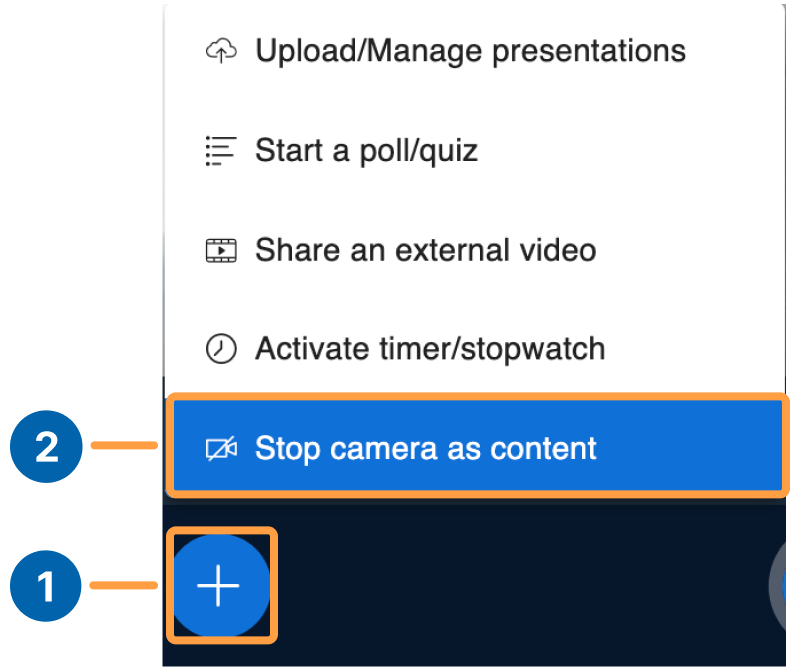
- Select the action button
- Select Stop camera as content