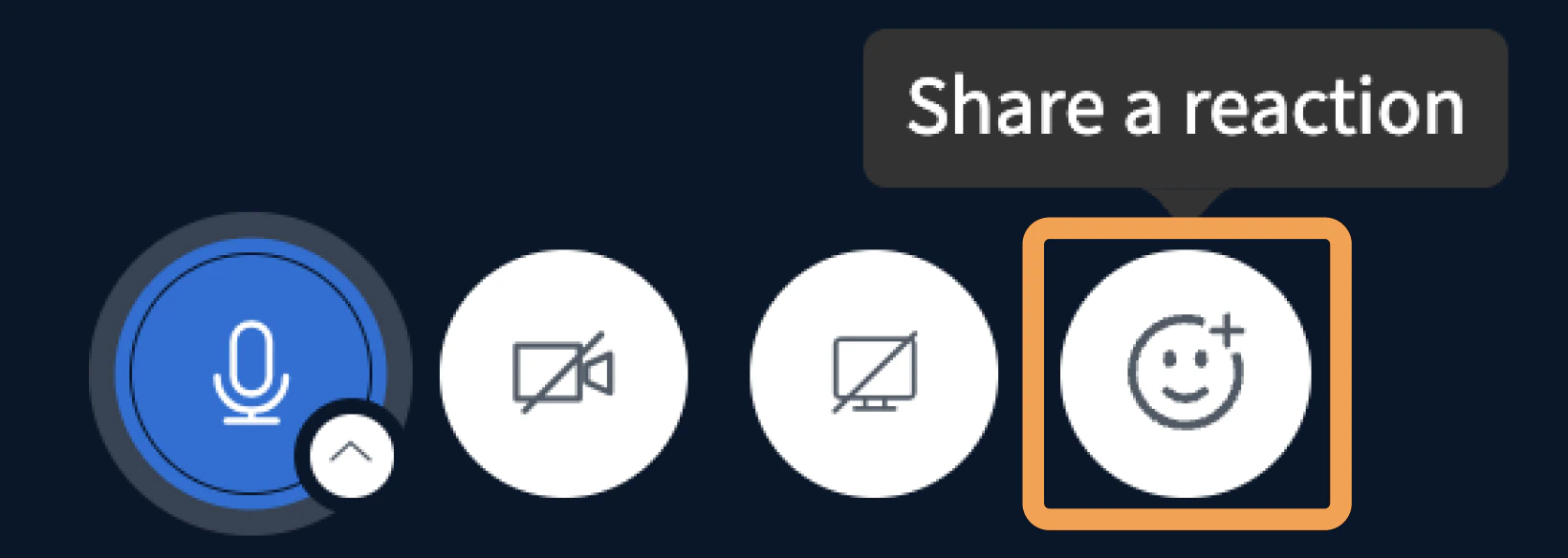
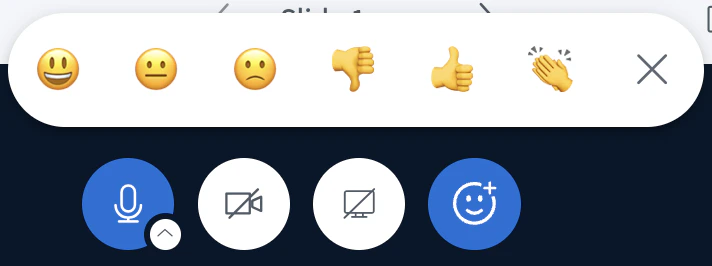
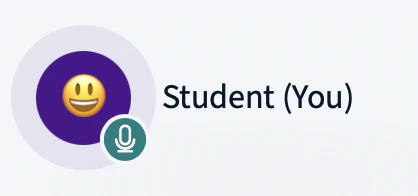
The Reactions Bar makes it much easier for students to respond with emojis to the educator. The emoji is displayed in the user avatar area for 1 minute. To activate the reactions bar, press the emoji icon.Documentation Index
Fetch the complete documentation index at: https://bigbluebutton.com/docs/llms.txt
Use this file to discover all available pages before exploring further.