

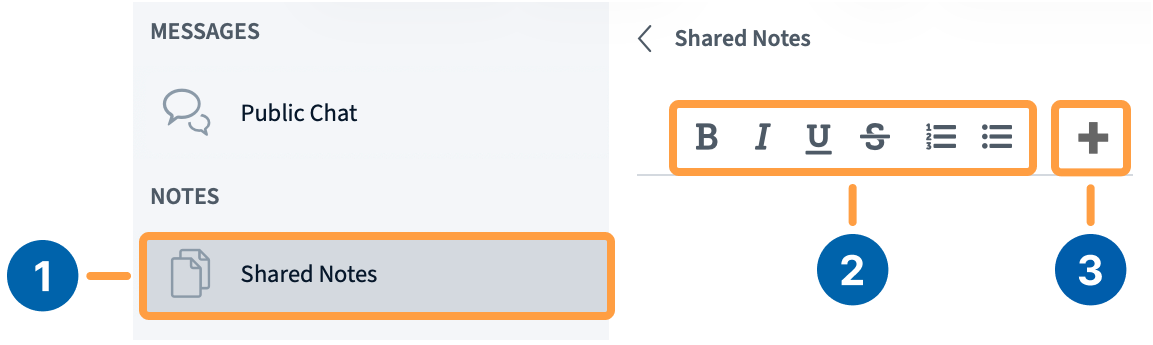
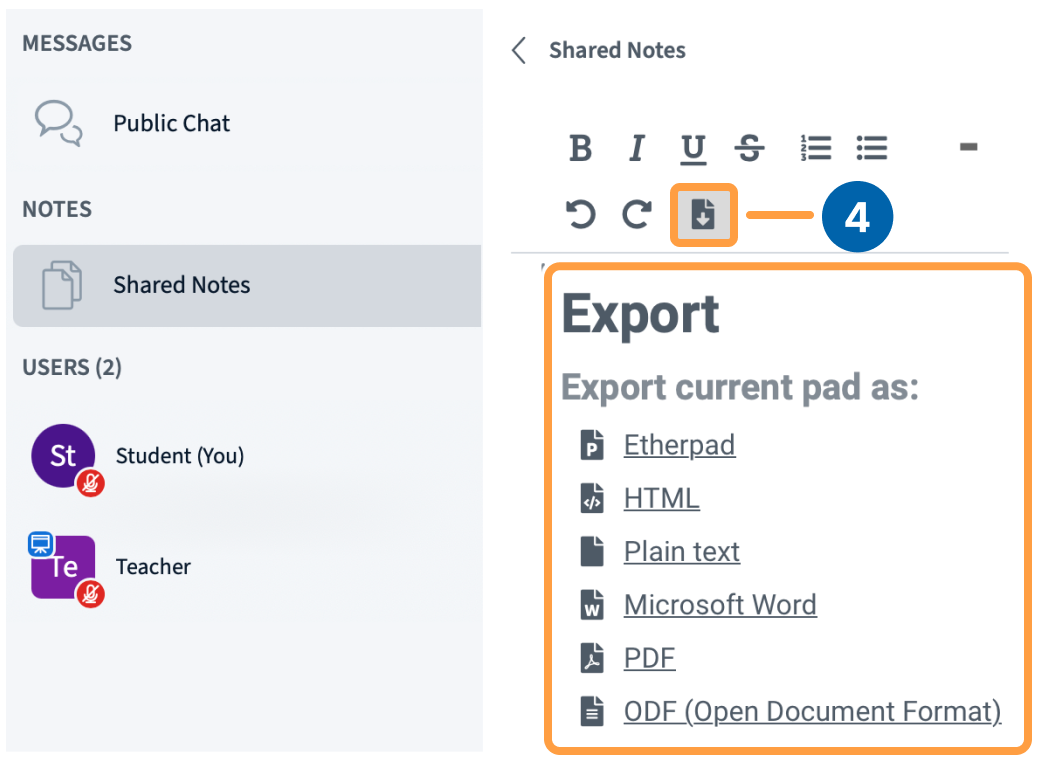
In addition to public and private chats, all users in BigBlueButton can access the Shared Notes panel. Shared Notes enable all the users in a meeting to contribute to a common text-based file; you can use formatting options and always export the Shared Notes later.Documentation Index
Fetch the complete documentation index at: https://bigbluebutton.com/docs/llms.txt
Use this file to discover all available pages before exploring further.
Important notes
- Shared Notes are not captured in the recording processing.
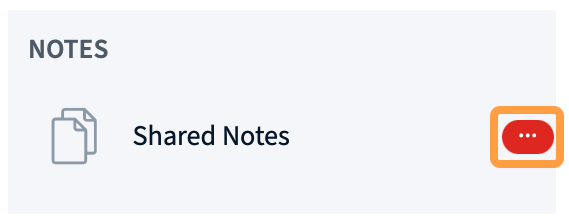
- All users must open their Shared Notes pad individually.
- Shared Notes contributions are anonymous.