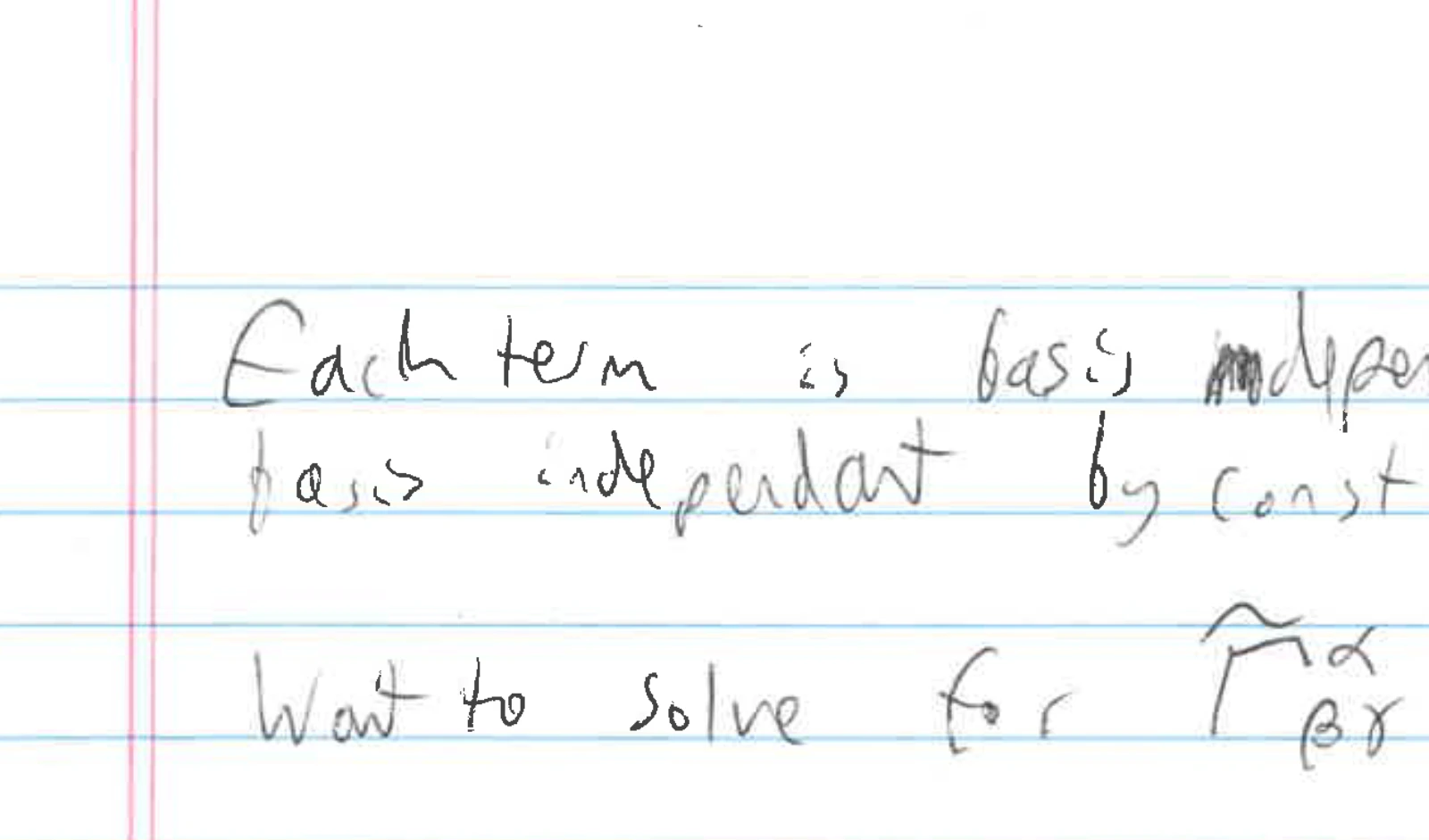
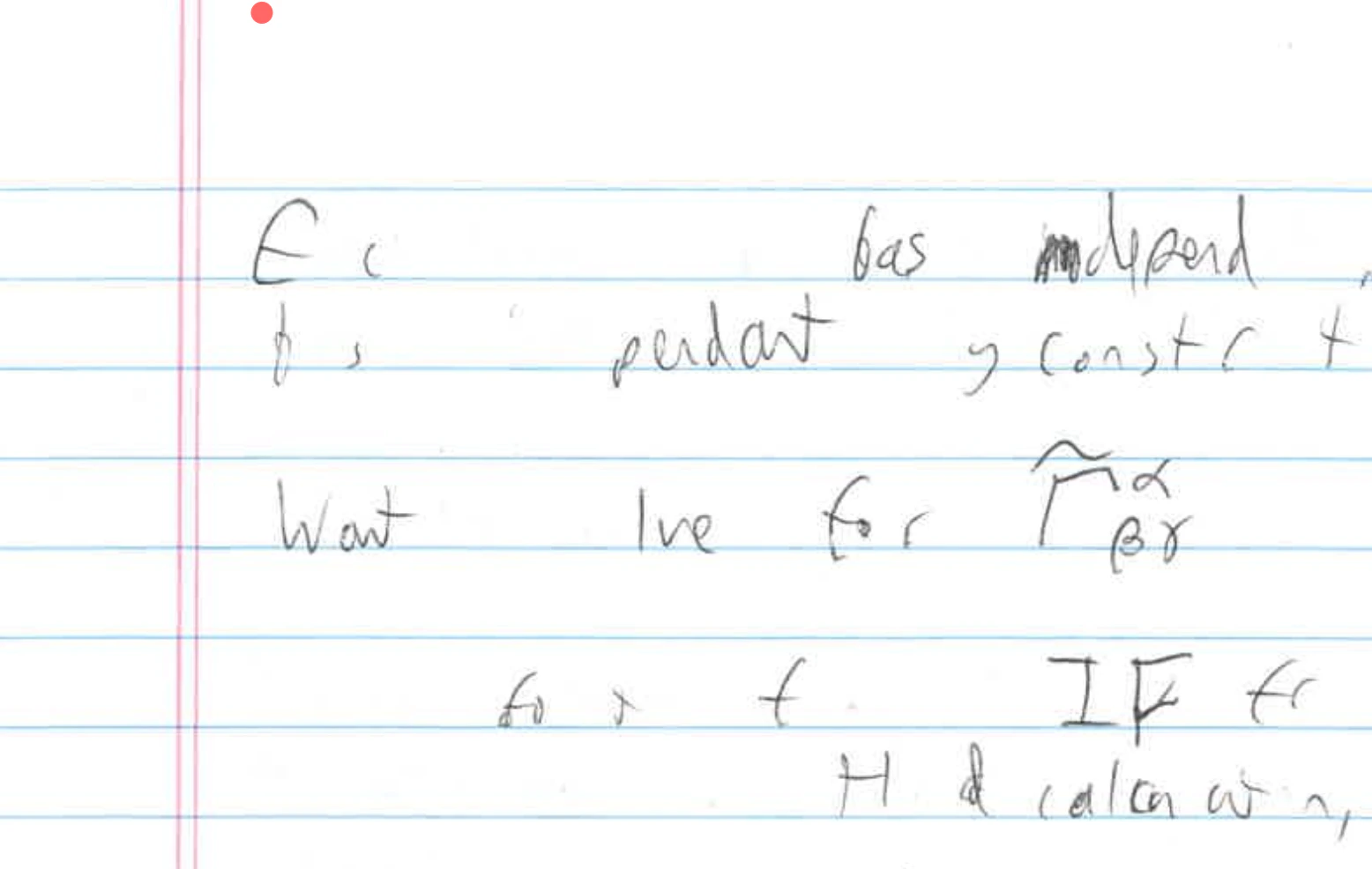
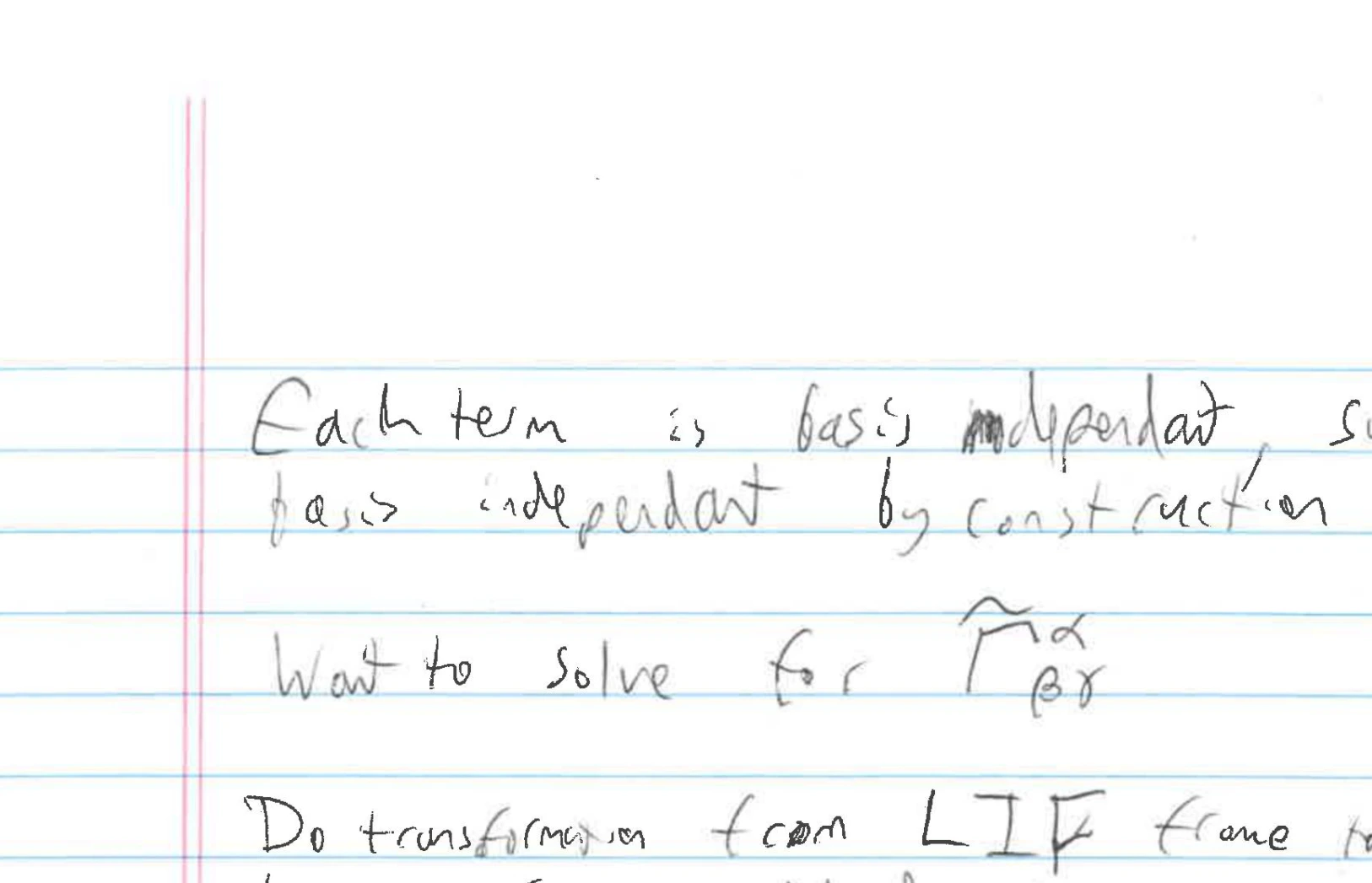
Most portable document format (PDF) files uploaded to BigBlueButton will be converted and displayed exactly as the original. However, some PDF files that comprise layers of scanned content don’t convert correctly. For example, consider the following PDF from a scanned notebookDocumentation Index
Fetch the complete documentation index at: https://bigbluebutton.com/docs/llms.txt
Use this file to discover all available pages before exploring further.