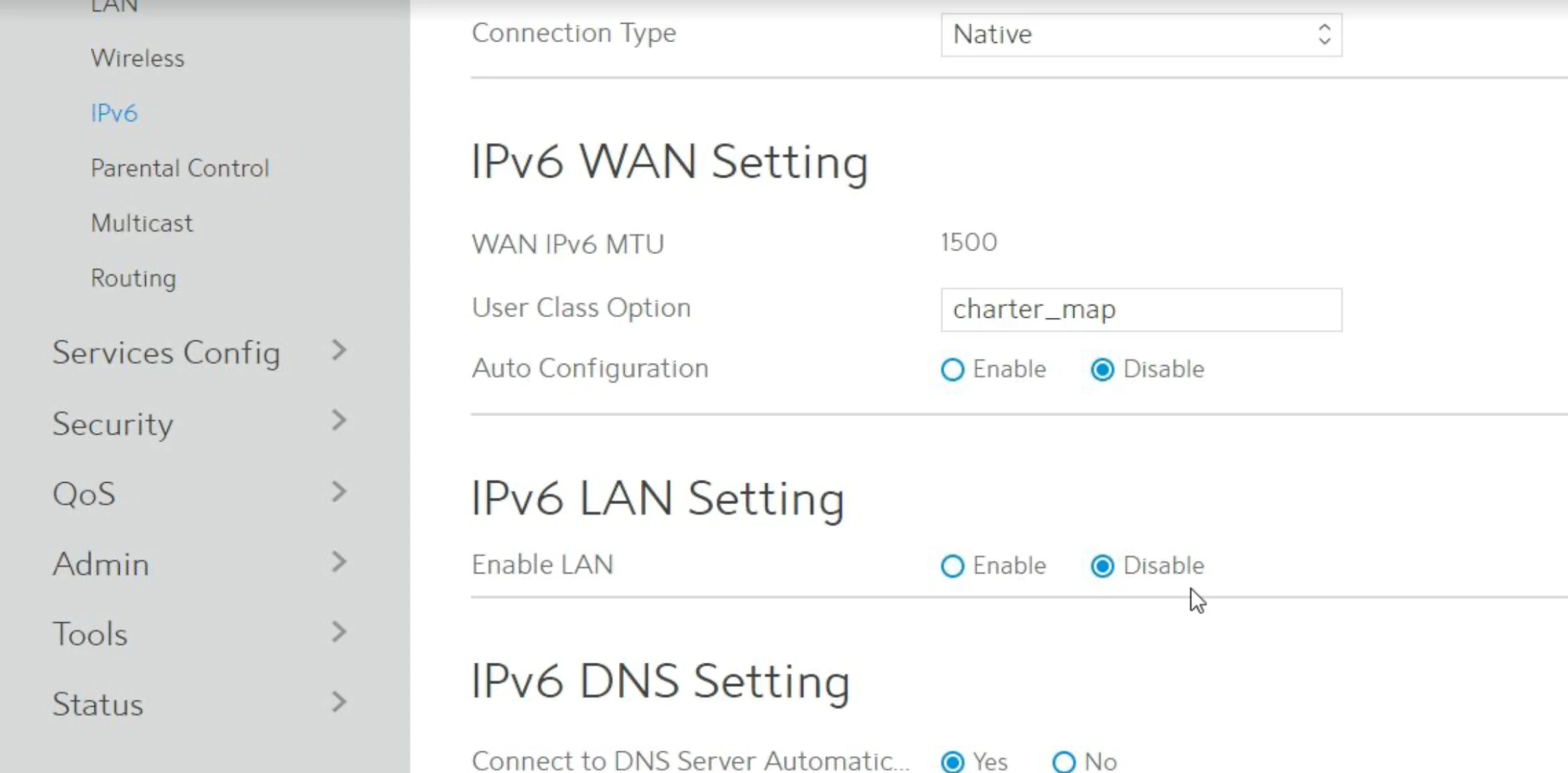
If your connection to BigBlueButton repeatedly reconnects from home, your router may be inadvertently closing the connection. This is common on Spectrum networks in the US. To resolve this, disable IPv6 on your computer or router using the steps below.Documentation Index
Fetch the complete documentation index at: https://bigbluebutton.com/docs/llms.txt
Use this file to discover all available pages before exploring further.
Disable IPv6 on Windows 10
Open the network menu
Right-click the Network  / Wi-Fi
  icon in the bottom-right corner of your screen. A pop-up menu appears.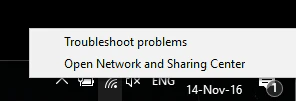
/ Wi-Fi icon in the bottom-right corner of your screen. A pop-up menu appears.Open the Network and Sharing Center
Select Open Network and Sharing Center. The Settings dialog appears.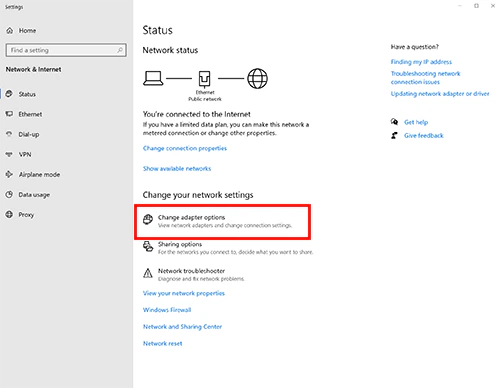
Change adapter options
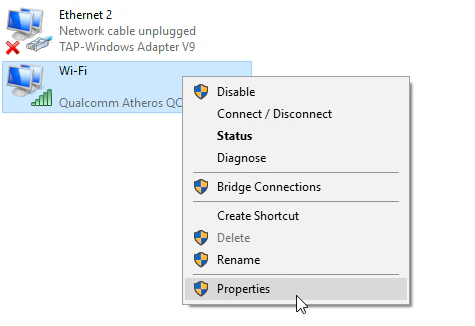
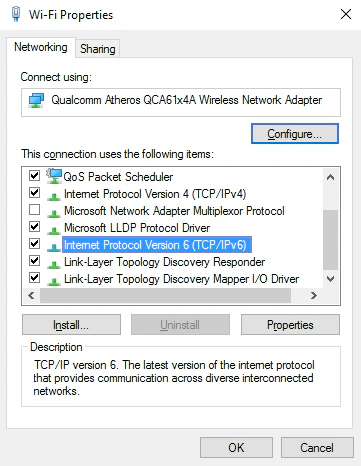
Select Change adapter options. A list of network adapters appears. Locate the active adapter — either Ethernet or Wi-Fi.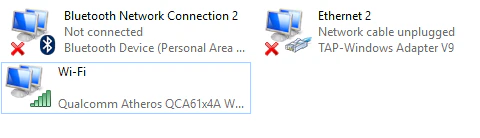
Disable IPv6 on macOS
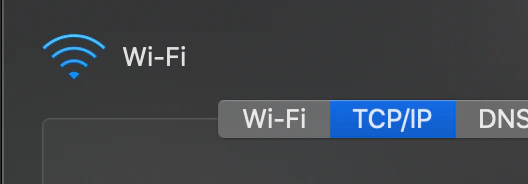
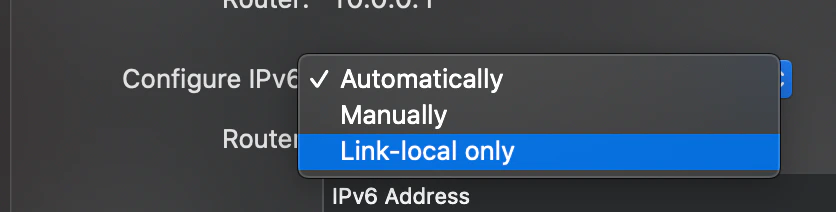
Disable IPv6 on your Spectrum router
If you have the rac2v1k Spectrum router, you can disable IPv6 from the router’s web-based interface. To sign in, find the URL and password on the back of the router — typically http://192.168.1.1 withadmin/admin.
Once signed in, select Advanced at the top, select IPv6 on the left, and under IPv6 LAN settings choose Disable.