Any user who cannot hear themselves in the echo test can follow these steps to verify their microphone works in the operating system before rejoining a BigBlueButton session. These steps are for the Chrome browser. To confirm the issue, visit the test server at https://my.bigbluebutton.com/, join the audio with a microphone, and run the checks below.Documentation Index
Fetch the complete documentation index at: https://bigbluebutton.com/docs/llms.txt
Use this file to discover all available pages before exploring further.
Refresh the client
To reload the client, select the refresh button in your browser. You do not need to log in again — the client reloads automatically and rejoins your session.Verify your microphone on Windows 10
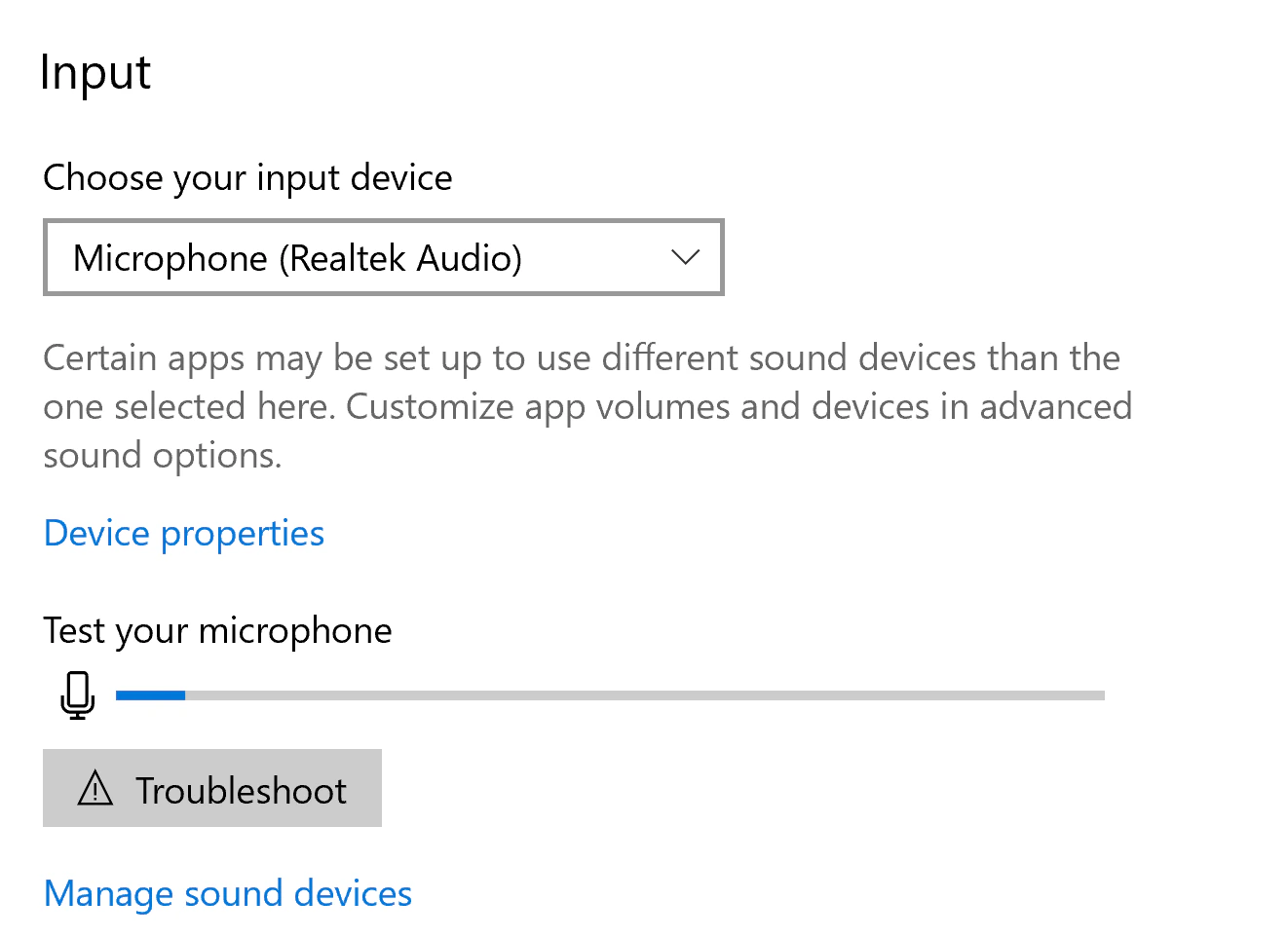
To open the sound settings, right-click the audio icon in the task bar and select Open Sound Settings.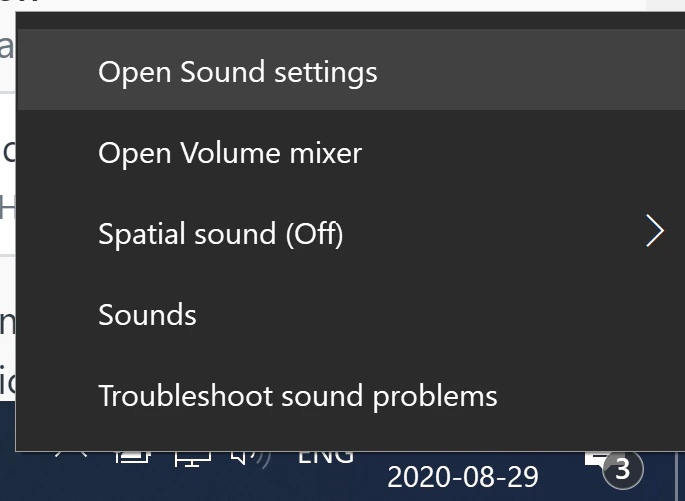
Verify your microphone on macOS
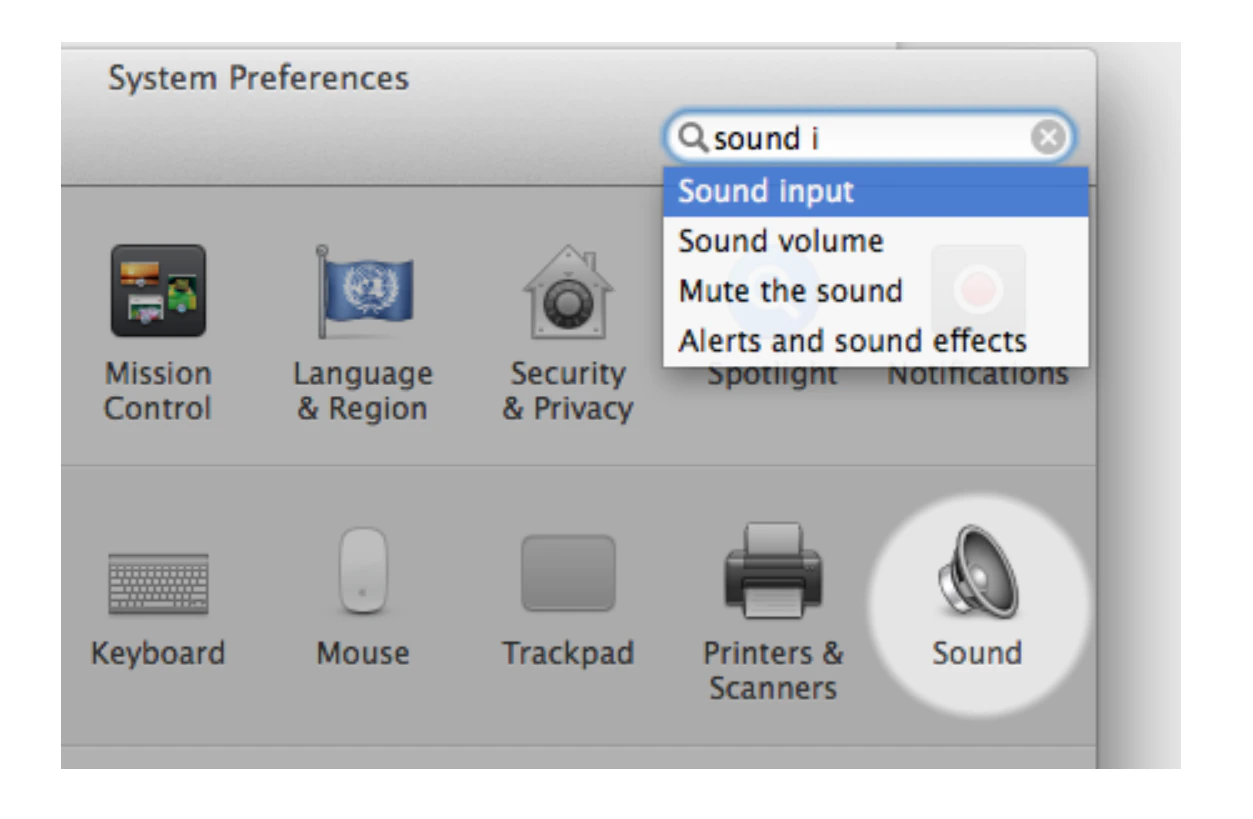
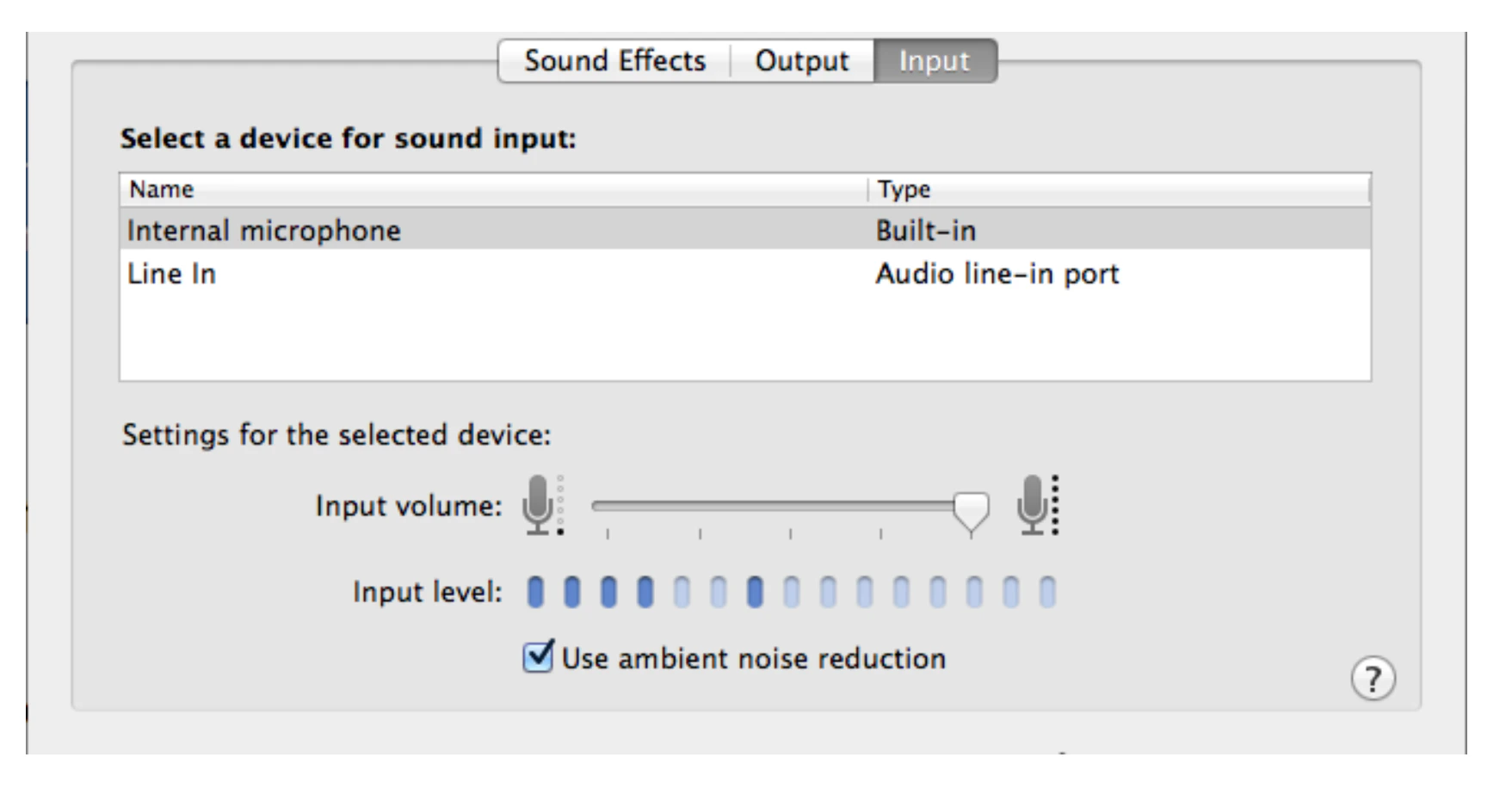
To open the sound settings, open System Preferences, typesound, and select Sound input.