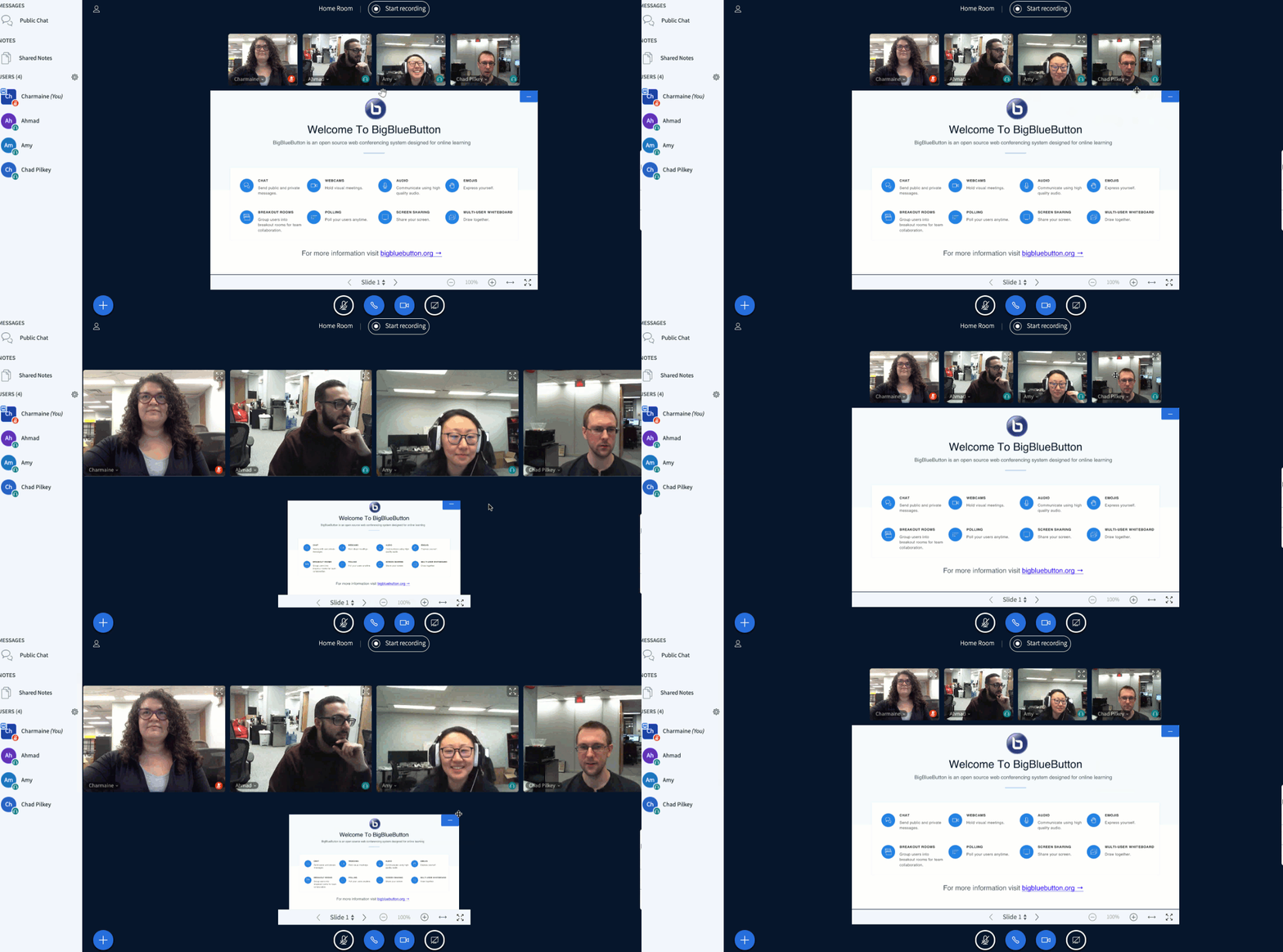
You can adjust the ratio of webcams to presentation area (which may also be showing a screen share). To adjust, hover your cursor over the border between the presentation area and the webcam(s) until a resize icon appears. Drag the cursor down to enlarge the webcam(s)/reduce the presentation area.Documentation Index
Fetch the complete documentation index at: https://bigbluebutton.com/docs/llms.txt
Use this file to discover all available pages before exploring further.